
当前位置:首页 > 技术支持 > IICHIB-C1-En >

QSFP optical module Read Digital Diagnostic Monitoring(DDM/DOM)

The hardware device in this demonstration is 40G-QSFP-SR

All QSFP packaged fiber modules can be used for reference

Prepare multi-mode optical fiber modules and multi-mode loopback modules

After the software opens, log in.

Perform the following steps:

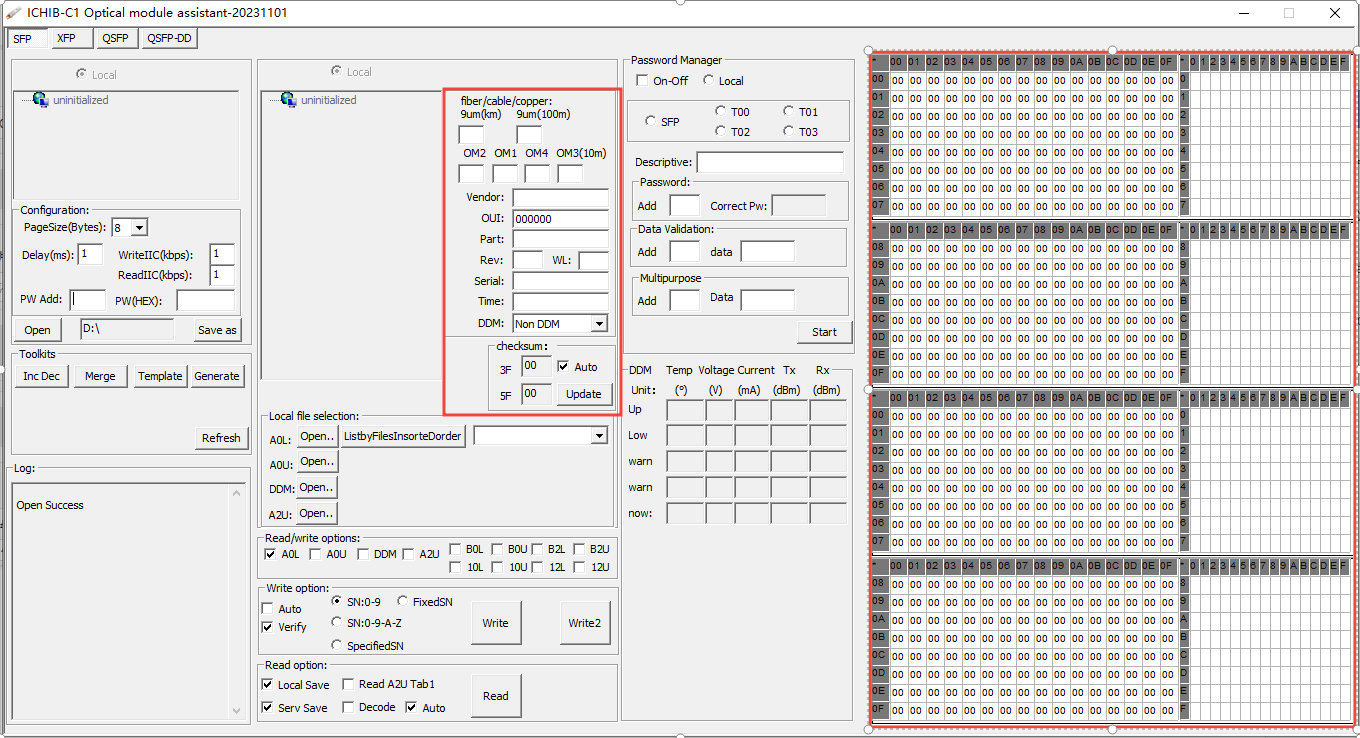
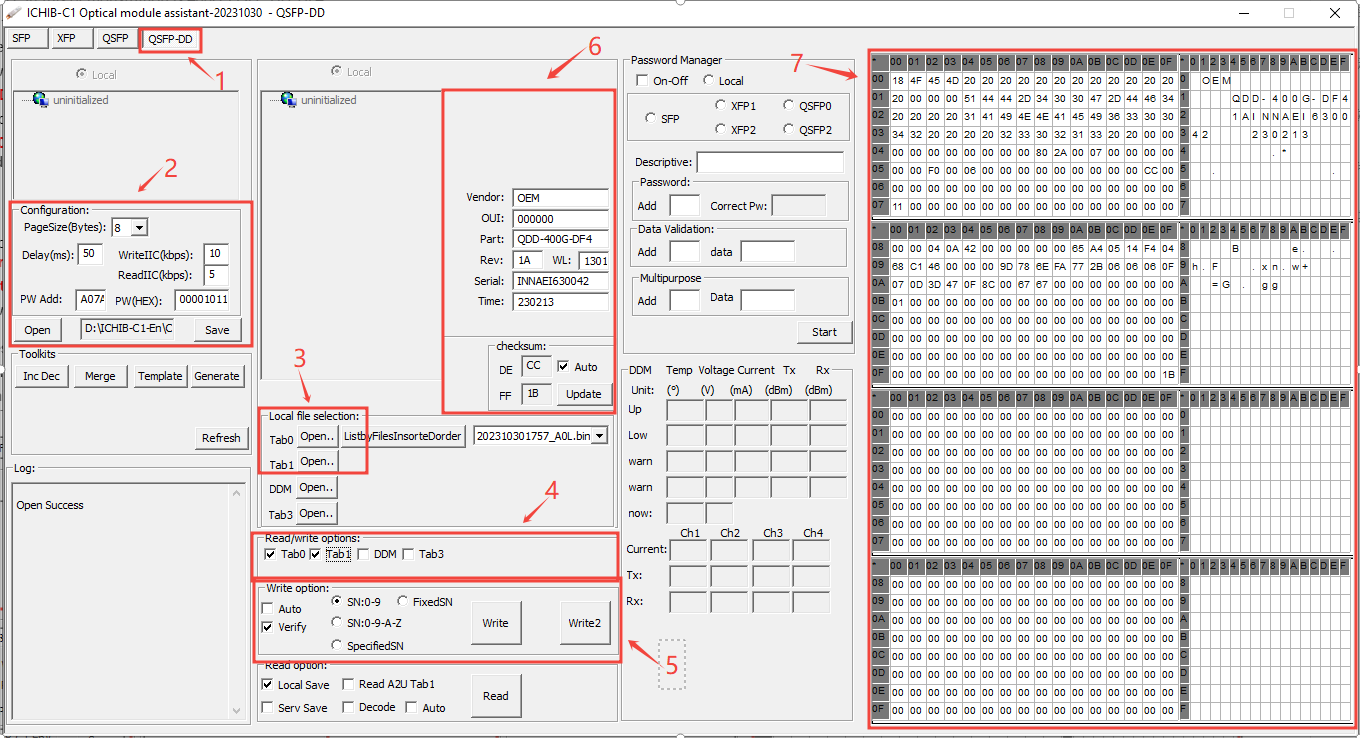
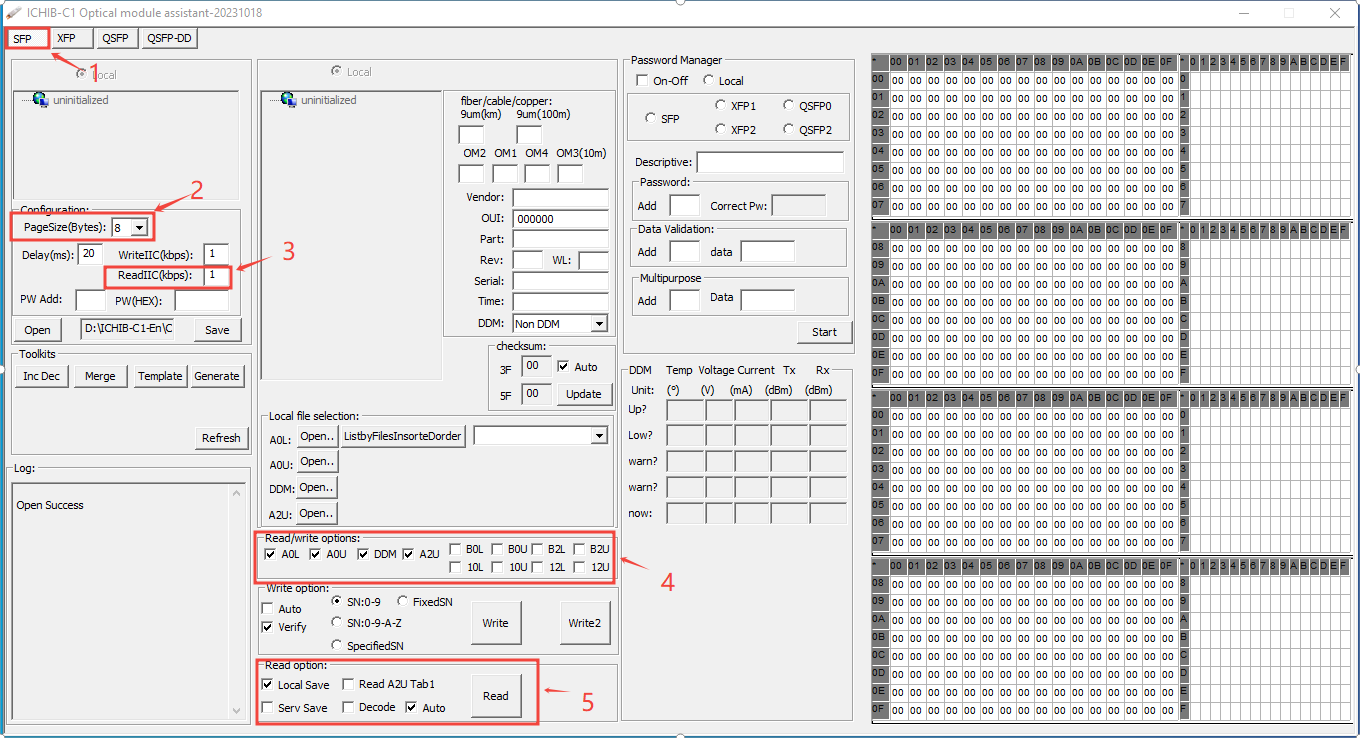
1) Select QSFP Tab

2) Page size set to :8(This value is usually 8, but there are exceptions that vary depending on the IC. If reading fails, consult the module vendor)

    ReadIIC set to  :1(This value is filled in according to the usage, the smaller the value)

3)Check "DDM" in "Read/Write Options"

4) Click "Read" in "Read Options"(If a large number of optical modules are to be read, select Auto and click Read.)

1.png

5) Connect the optical fiber module and loopback module to the QSFP port

6) As shown in the figure, the power of the optical module is displayed.(Click "Stop" when finished)

3.png


扫描二维码推送至手机访问。

版权声明:本文由IICHIB发布,如需转载请注明出处(如有版权异议,请联系我们)。

严禁使用IICHIB所有设备及相关程序从事任何非法活动.
违法和不良信息举报中心.

本文链接:https://iichib.com/post/68.html

分享给朋友:

“QSFP optical module Read Digital Diagnostic Monitoring(DDM/DOM)” 的相关文章

Batch modification of firmware information -[Delete, Replace, Add]

Batch modification of firmware information -[Delete, Replace, Add]

Log in to ICHIB-C1- click "Inc Dec "in" Toolkits "to operate in the dialog box that pops up.(After Delete,  Replace, &nb…

Local File Selection function description-2-Batch load file

Local File Selection function description-2-Batch load file

Be careful to read the instructions before operating!This note focuses on the first "Open" button, which includes the functionality of the o…

XFP optical transceiver reads the firmware

XFP optical transceiver reads the firmware

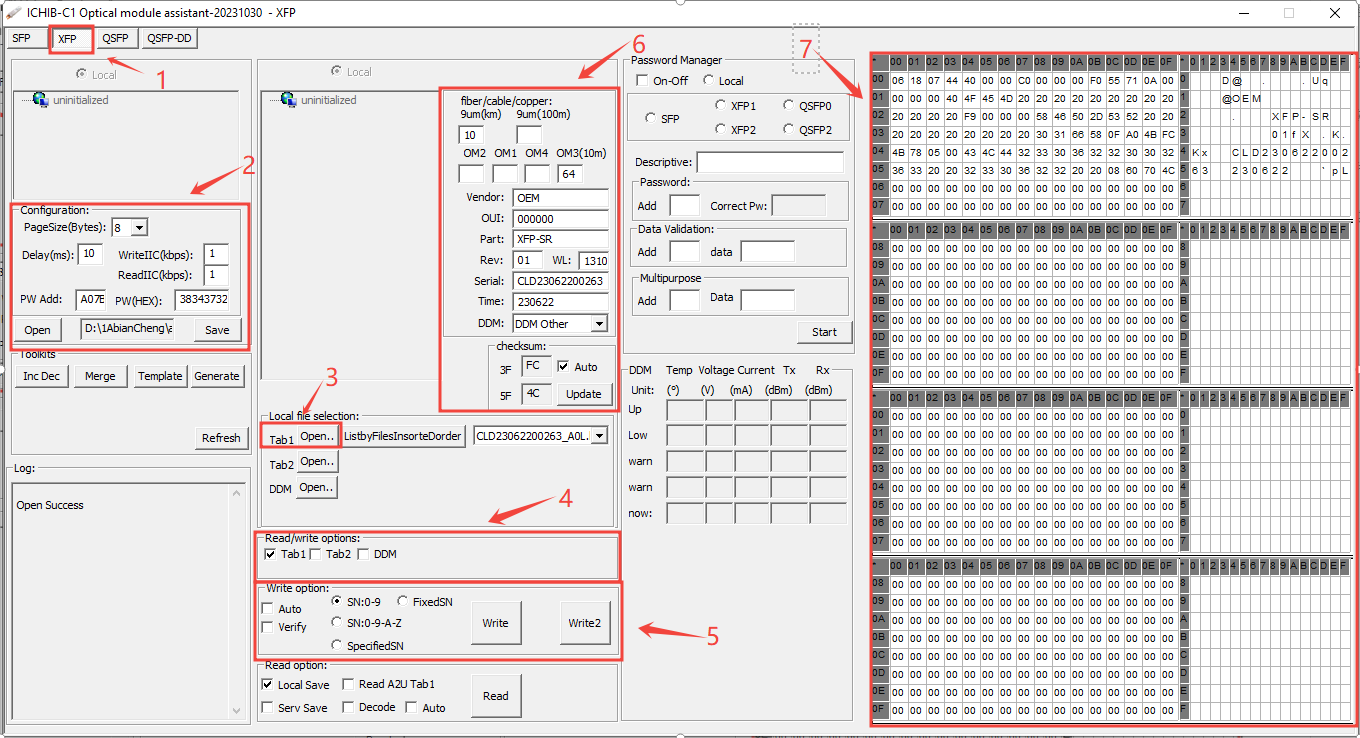
The hardware device in this demonstration is 10G-XFP-SRAll XFP packaged fiber modules can be used for referenceAfter the software opens, log in.Perfor…

Firmware Generation - Toolkit [Batch Generation of Optical Module Firmware Files]

Firmware Generation - Toolkit [Batch Generation of Optical Module Firmware Files]

1) First load or customize firmware content2) Check "Read/Write Options" to generate options (maximum 512 bytes)…

Local File Selection function description

Local File Selection function description

The four open buttons in the local file selection correspond to the hexadecimal editor. (After the file is imported, it can be edited and used. You ca…