
当前位置:首页 > 技术支持 > IICHIB-C1-En >

QSFP-DD optical module Read Digital Diagnostic Monitoring(DDM/DOM)

The hardware device in this demonstration is QSFP-DD-200G-SR4

All XFP packaged fiber modules can be used for reference

Prepare multi-mode optical fiber modules and multi-mode loopback modules

After the software opens, log in.

Perform the following steps:

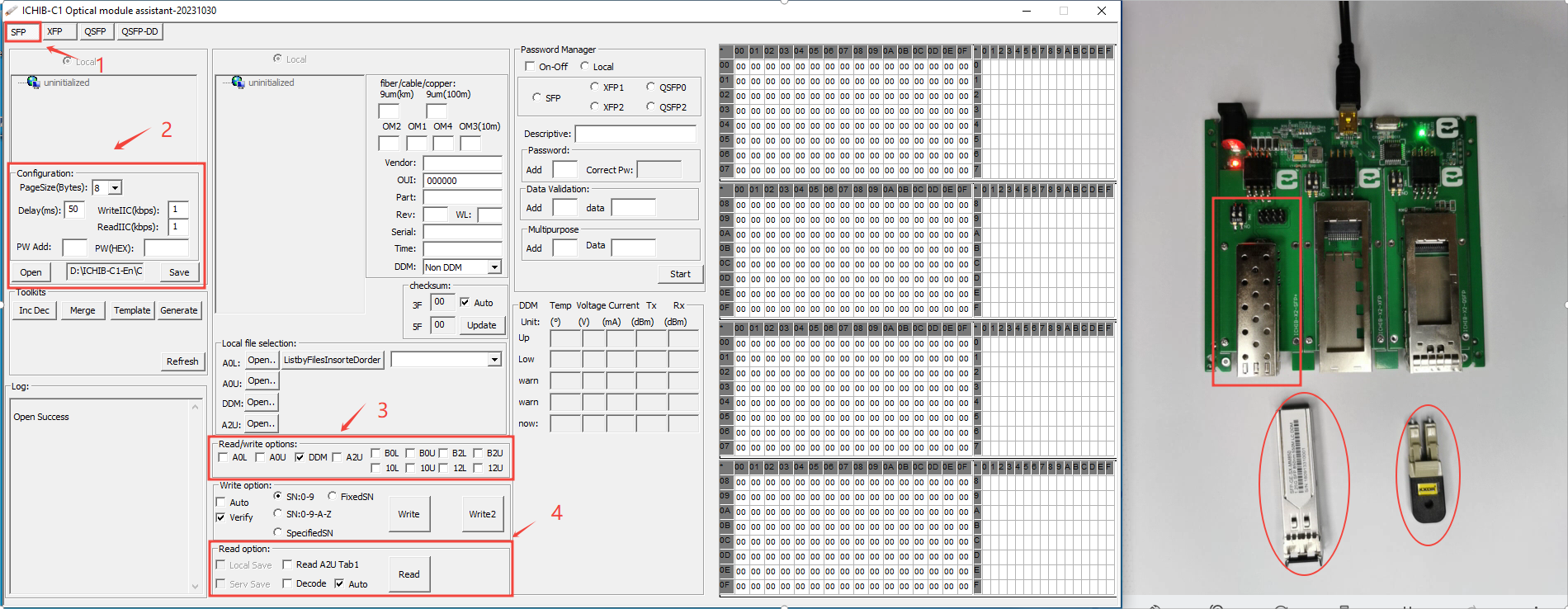
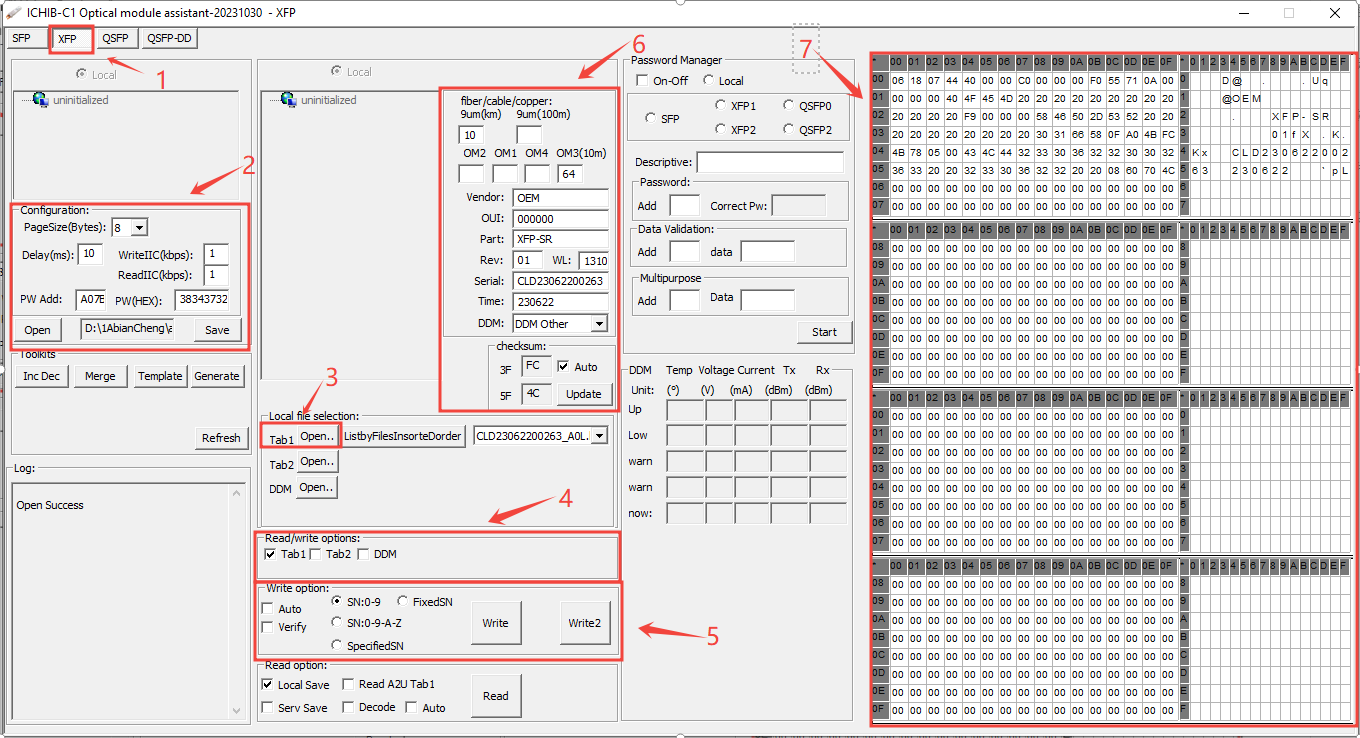
1) Select QSFP-DD Tab

2) Page size set to :8(This value is usually 8, but there are exceptions that vary depending on the IC. If reading fails, consult the module vendor)

    ReadIIC set to  :3(This value is filled in according to the usage, the smaller the value)

3)Check "DDM" in "Read/Write Options"

4) Click "Read" in "Read Options"(If a large number of optical modules are to be read, select Auto and click Read.)

1.png

5) Connect the optical fiber module and loopback module to the QSFP-DD port

6) As shown in the figure, the power of the optical module is displayed.(Click "Stop" when finished)

3.png


QSFP-DD is a new-generation protocol, and its functions are constantly improving.....

扫描二维码推送至手机访问。

版权声明:本文由IICHIB发布,如需转载请注明出处(如有版权异议,请联系我们)。

严禁使用IICHIB所有设备及相关程序从事任何非法活动.

违法和不良信息举报中心.

本文链接:https://iichib.com/post/69.html

分享给朋友:

“QSFP-DD optical module Read Digital Diagnostic Monitoring(DDM/DOM)” 的相关文章

Firmware Generation - Toolkit [Batch Generation of Optical Module Firmware Files]

Firmware Generation - Toolkit [Batch Generation of Optical Module Firmware Files]

1) First load or customize firmware content2) Check "Read/Write Options" to generate options (maximum 512 bytes)…

Batch modification of firmware information -[Delete, Replace, Add]

Batch modification of firmware information -[Delete, Replace, Add]

Log in to ICHIB-C1- click "Inc Dec "in" Toolkits "to operate in the dialog box that pops up.(After Delete,  Replace, &nb…

SFP optical transceiver reads the firmware

SFP optical transceiver reads the firmware

The hardware device in this demonstration is 1.25G-SFP-SXAll SFP packaged fiber modules can be used for referenceAfter the software opens, log in.Perf…

Firmware File Merge - Toolkit [Batch Merge Optical module firmware code files]

Firmware File Merge - Toolkit [Batch Merge Optical module firmware code files]

1 case:Prepare 2 folders with the same amount of firmware and file names (order A to B, multiple files and merging between multiple files)…

Local File Selection function description-2-Batch load file

Local File Selection function description-2-Batch load file

Be careful to read the instructions before operating!This note focuses on the first "Open" button, which includes the functionality of the o…

Retrieve the optical module password-Password management capabilities for ICHIB-C1

Retrieve the optical module password-Password management capabilities for ICHIB-C1

Retrieve Password: Go through a series of steps or verification methods to get a lost or forgotten password.How did this feature come about? I have a…